AI garden design · iOS app
AI Garden Design
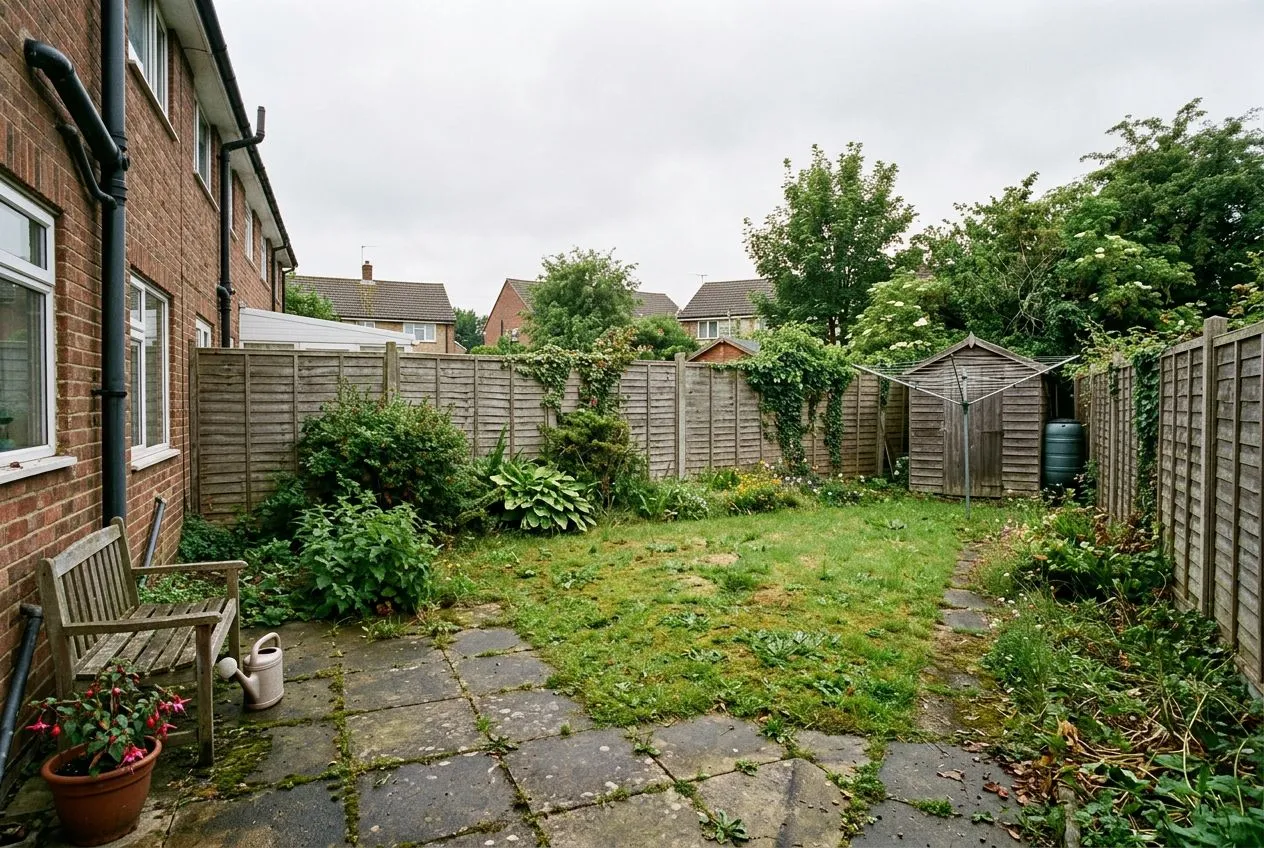
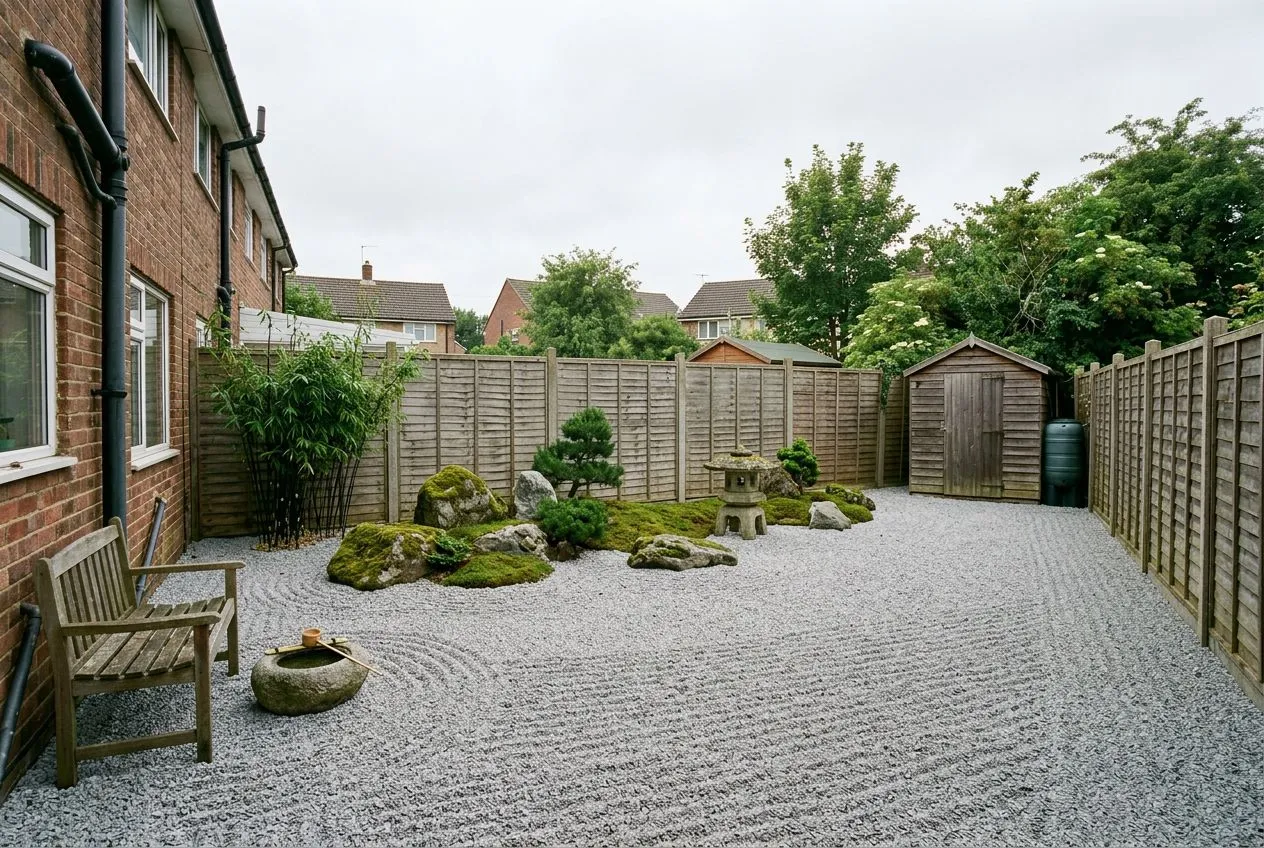
Upload a photo of your garden, backyard or landscape, pick a style, and watch AI restyle it in about 30 seconds. Ten garden styles, every kind of outdoor space, three designs free.
Drag the slider to compare →
Garden spaces
Start with your kind of garden.
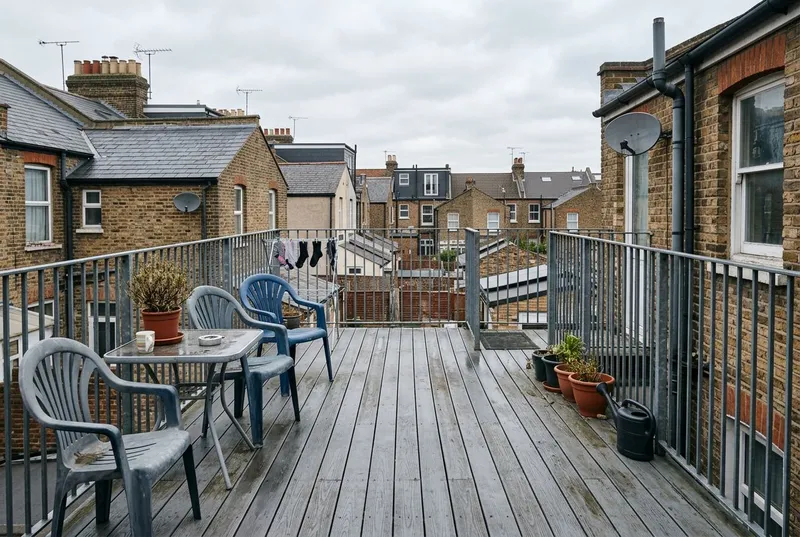
From a compact back garden to a rooftop terrace — call it a garden, a backyard or a landscape, each space has its own set of styles.
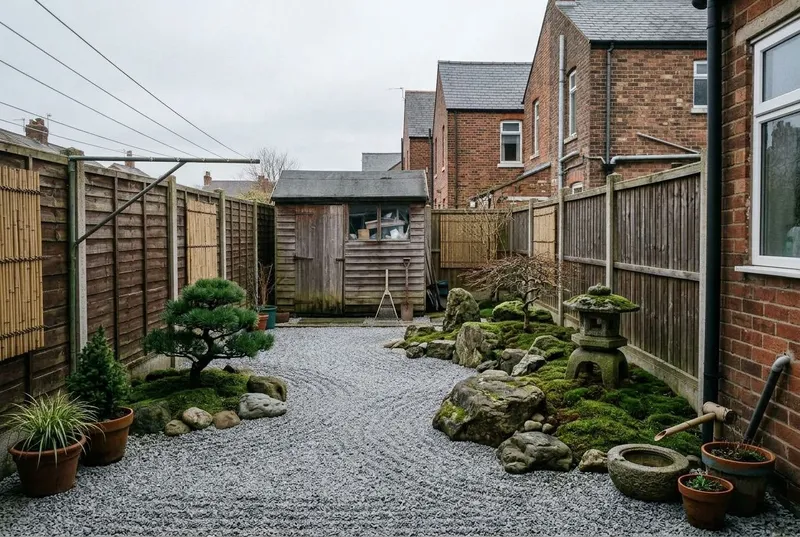
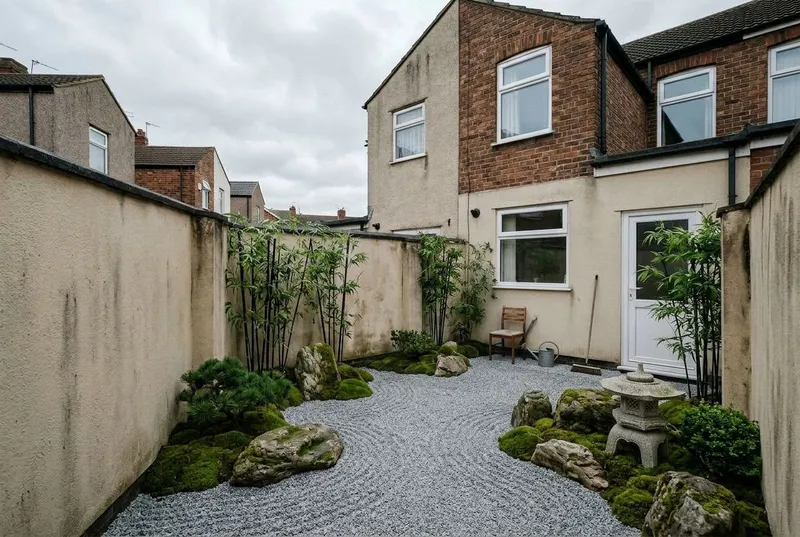
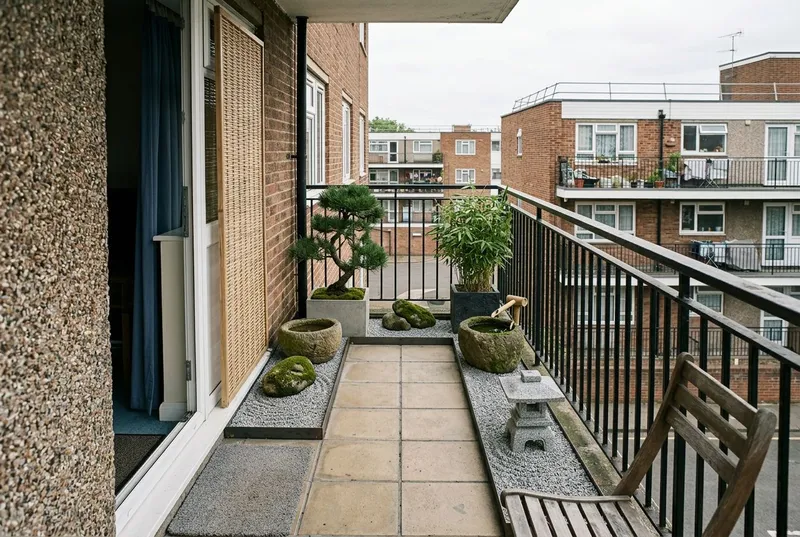
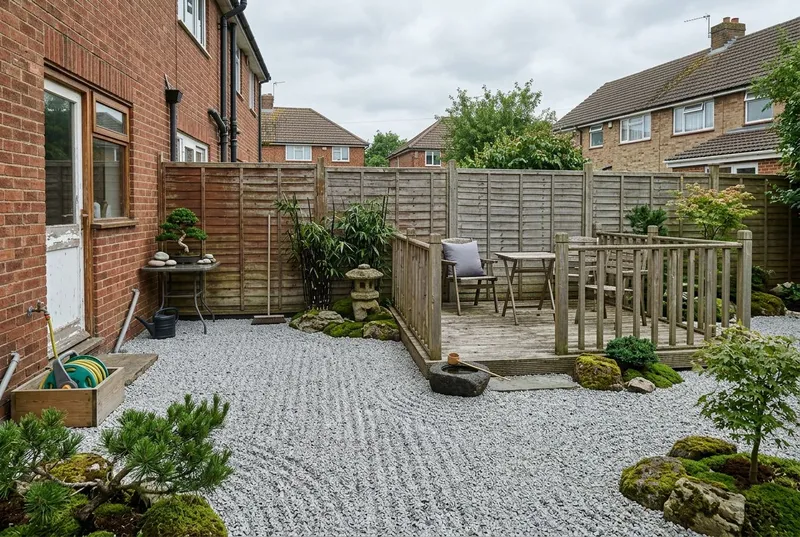
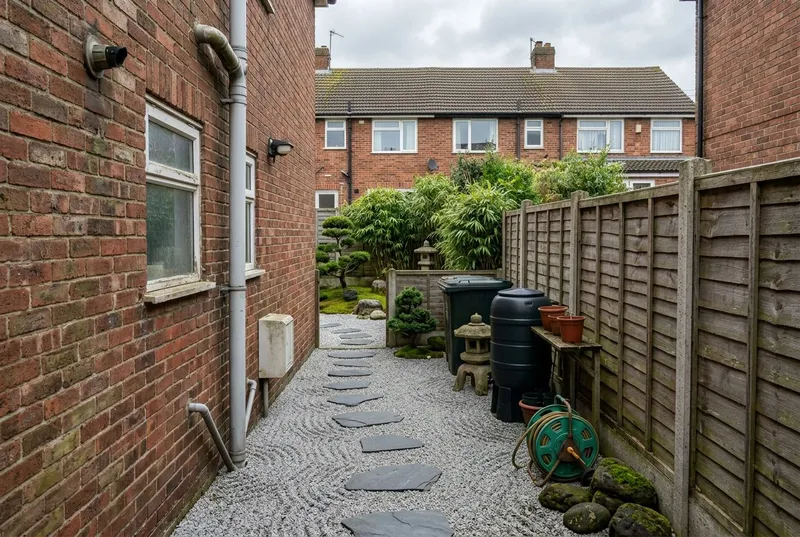
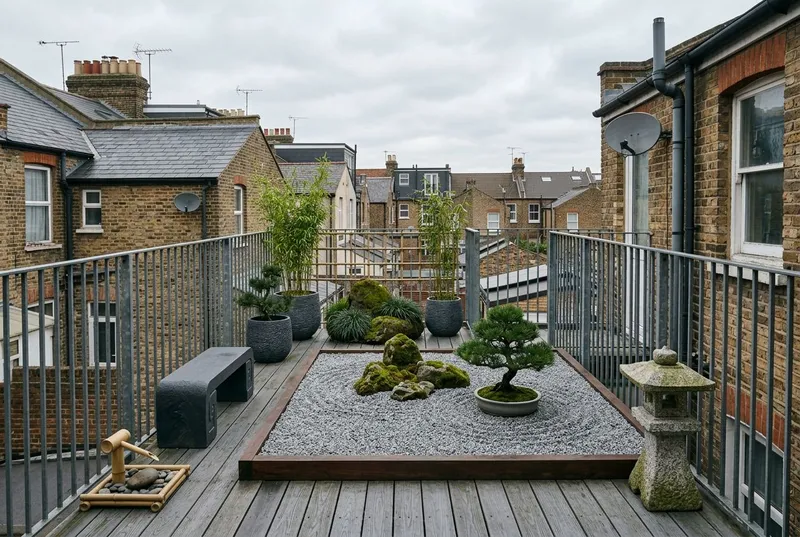
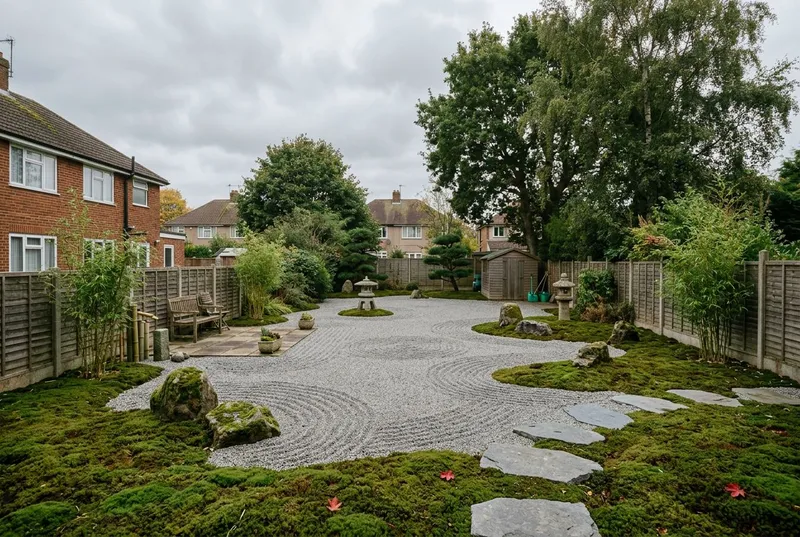
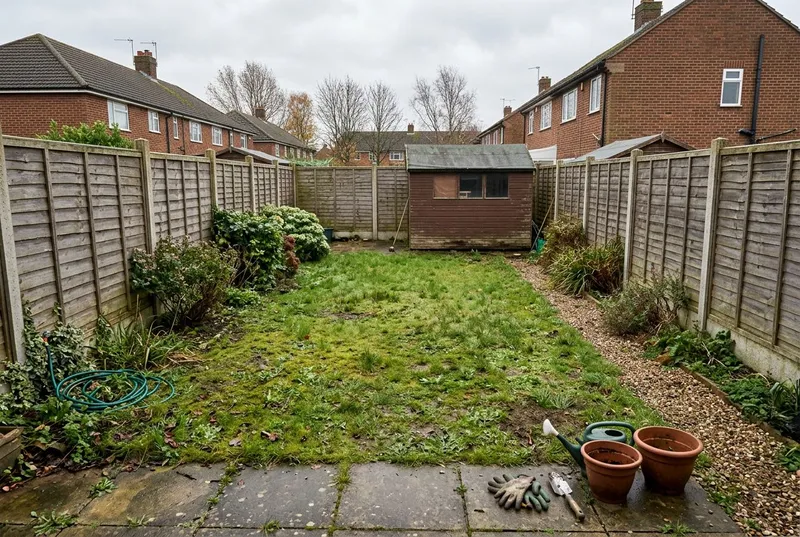
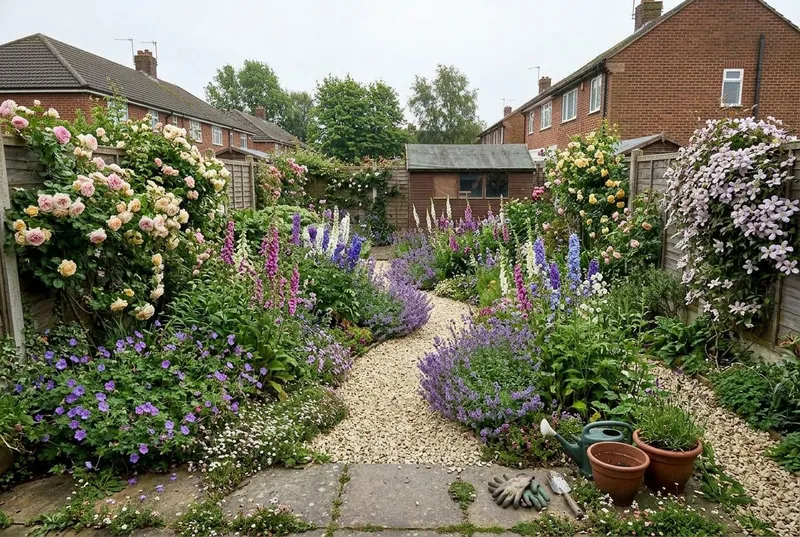
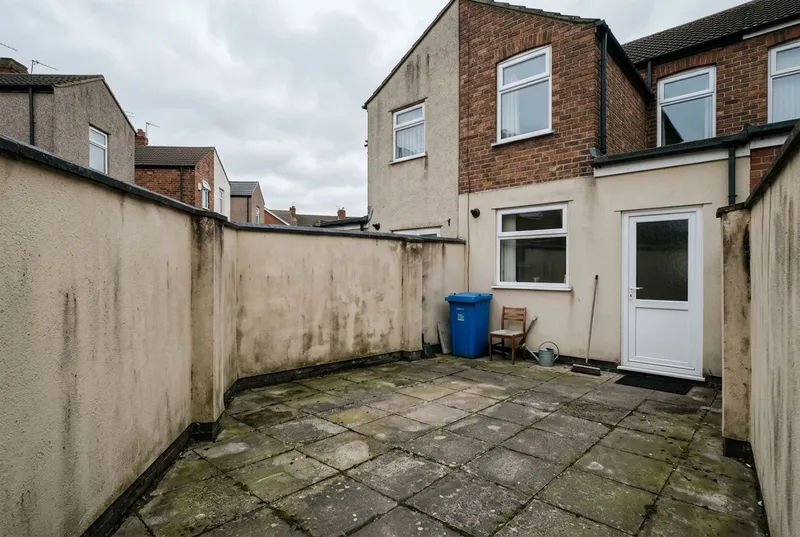
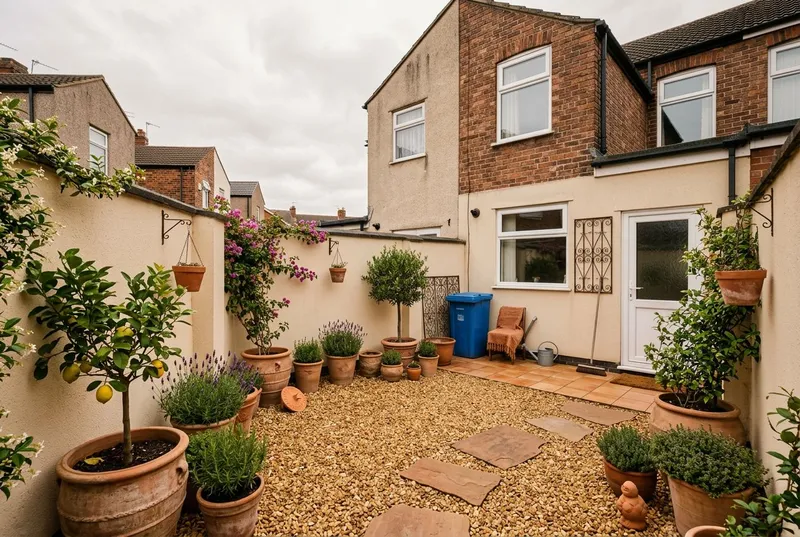
Before & after
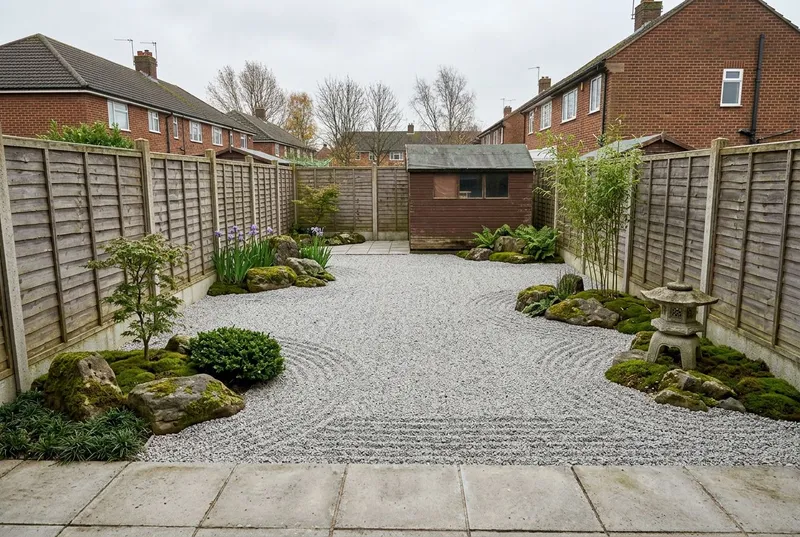
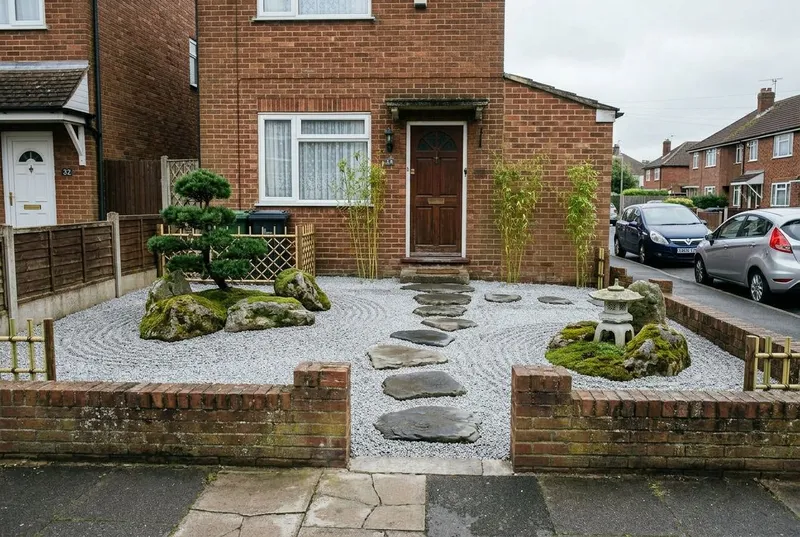
Ordinary gardens,
restyled by AI.
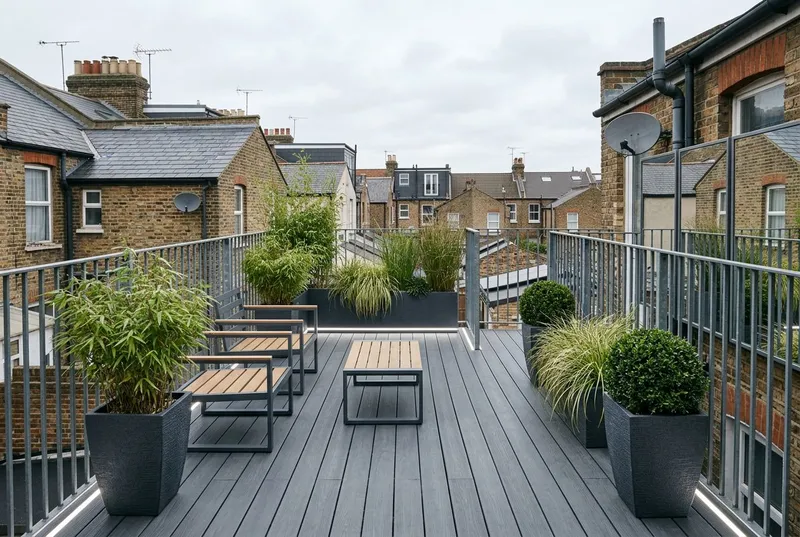
Garden styles
Ten ways to restyle a garden.
From Japanese Zen calm to a Wildflower Meadow — see each style applied to a garden.
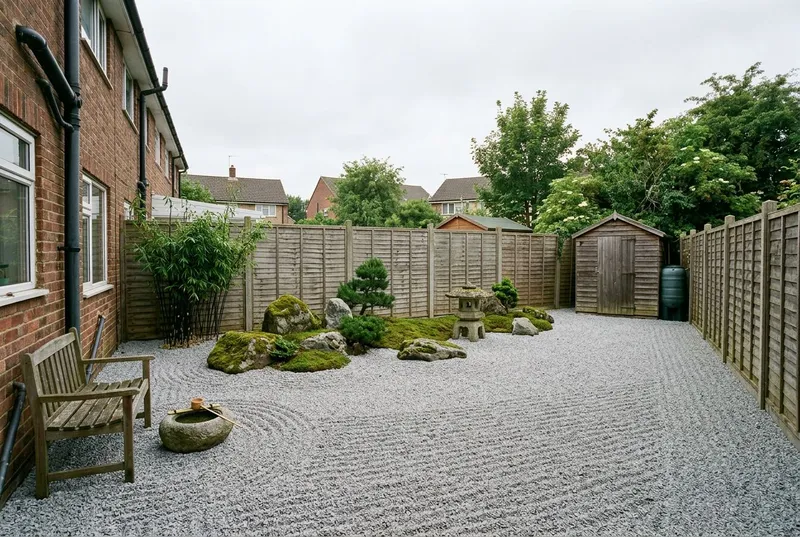
Gravel, bamboo, stone lanterns, moss
Japanese Zen
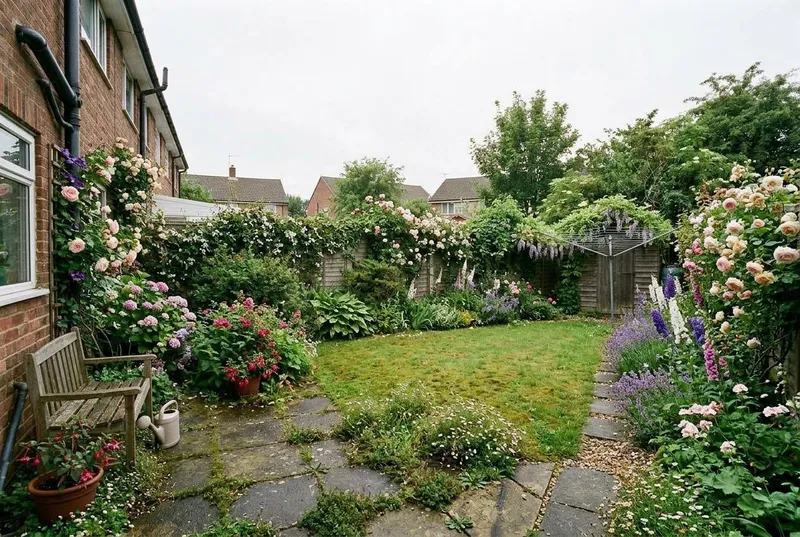
Roses, lavender, winding paths
English Cottage
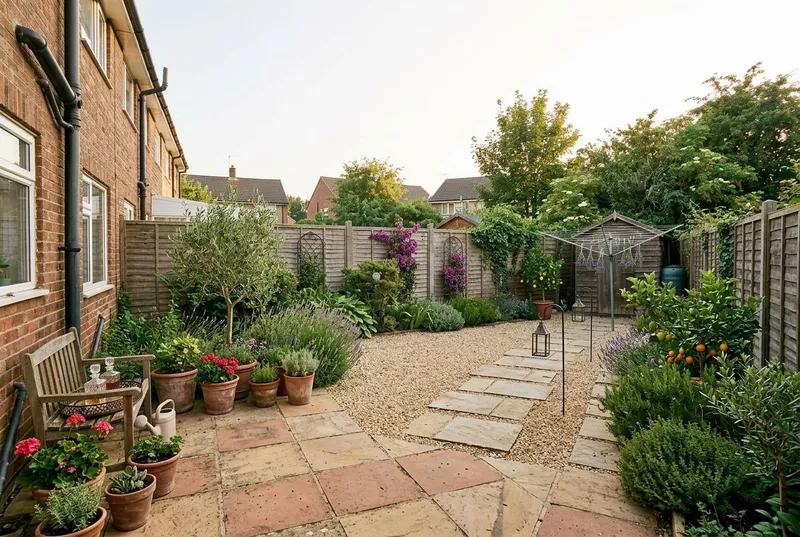
Terracotta, olive trees, herbs
Mediterranean
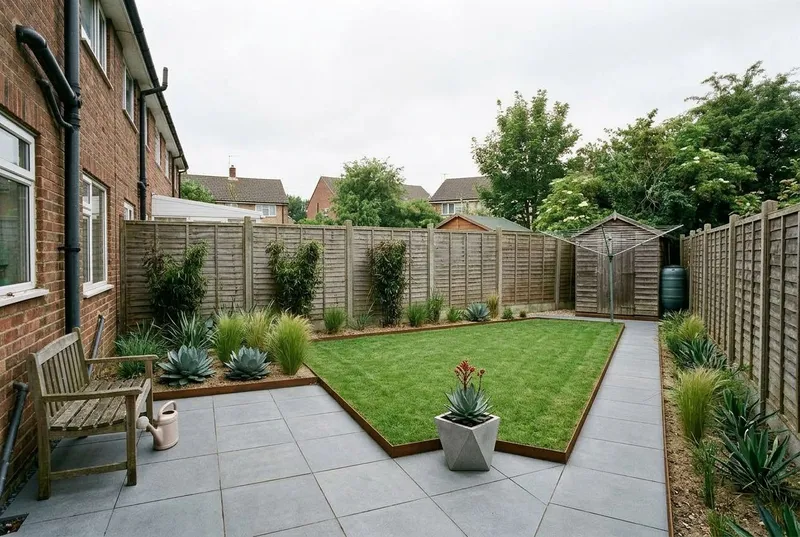
Clean lines, concrete, steel
Modern Minimalist
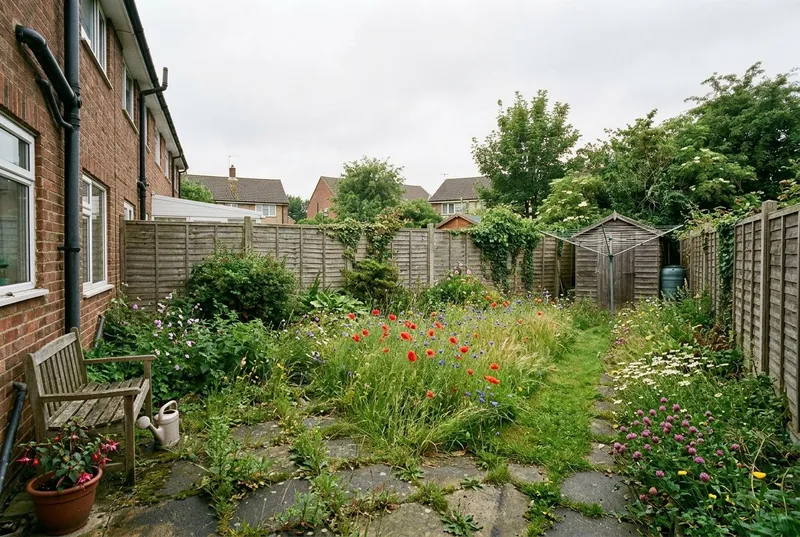
Wildflowers, long grass, natural
Wildflower Meadow
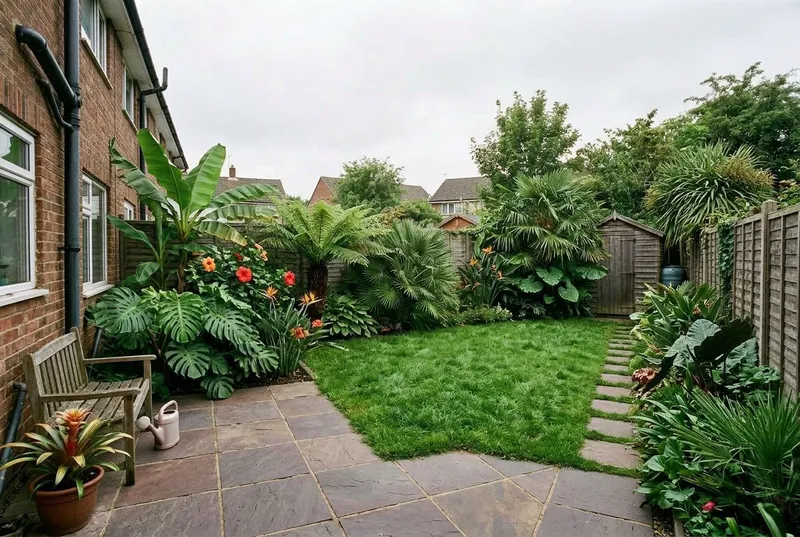
Palms, ferns, bold foliage
Tropical Paradise
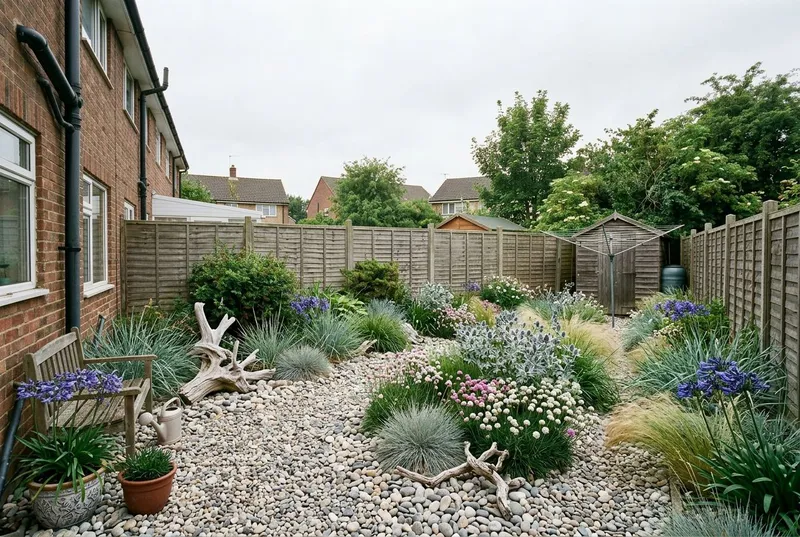
Grasses, driftwood, pebbles
Coastal
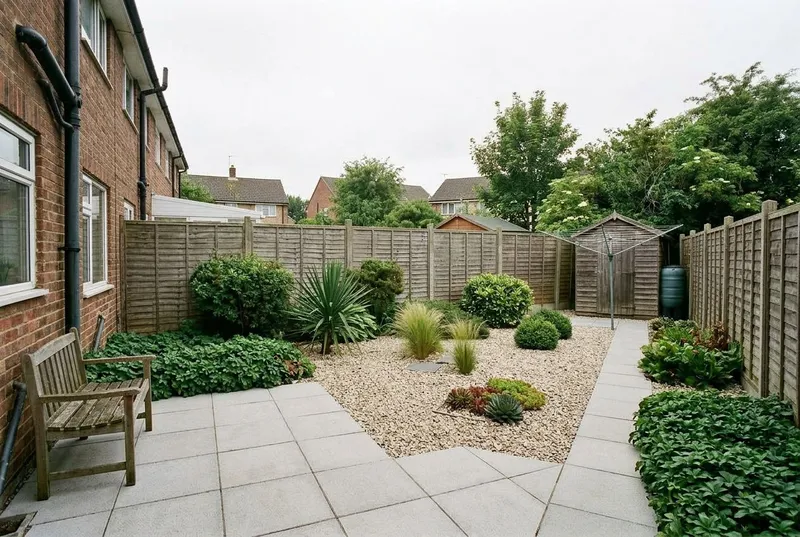
Gravel, evergreens, ground cover
Low Maintenance
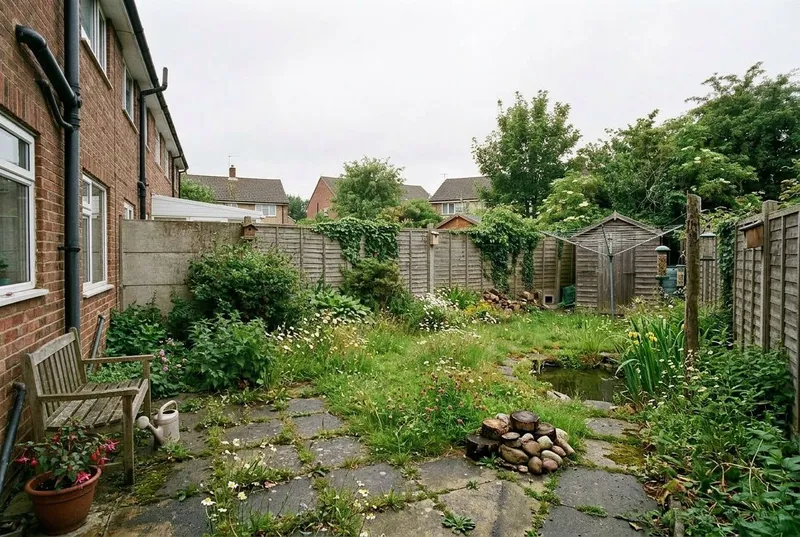
Pond, native plants, bird feeders
Wildlife-Friendly
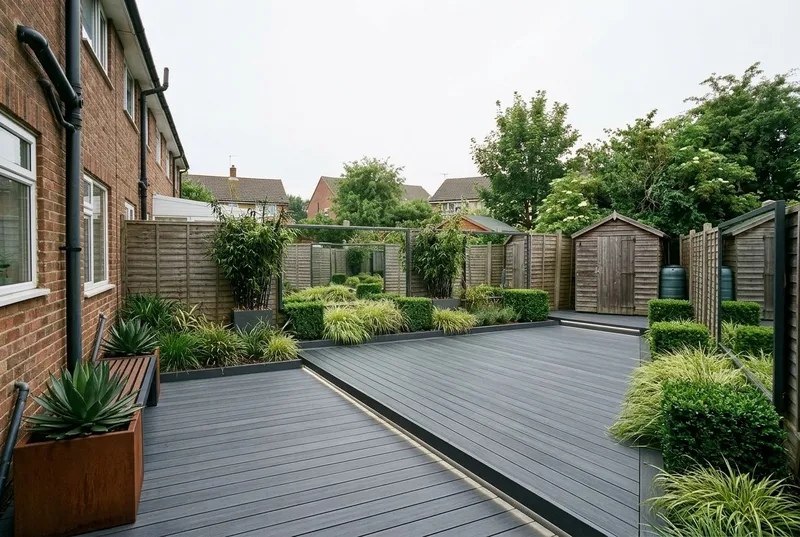
Decking, lighting, mirrors
Contemporary Urban
How it works
Three taps.
Your garden, redesigned.
Step 01
Snap your garden.
Open the app and take one well-lit photo of the garden. No measuring, no panorama — a single shot is enough.
Step 02
Pick a style.
Choose any style, then tick which features stay — lawn, patio / decking, trees, fencing / walls — so the redesign works around them.
Step 03
See it restyled.
About 30 seconds later your garden comes back, redesigned. Drag the before/after slider, then save what you love.
See your garden restyled.
In 30 seconds.
3 free garden designs · No card · iPhone · iOS 16+