AI kitchen design · iOS app
AI Luxury Kitchen Design
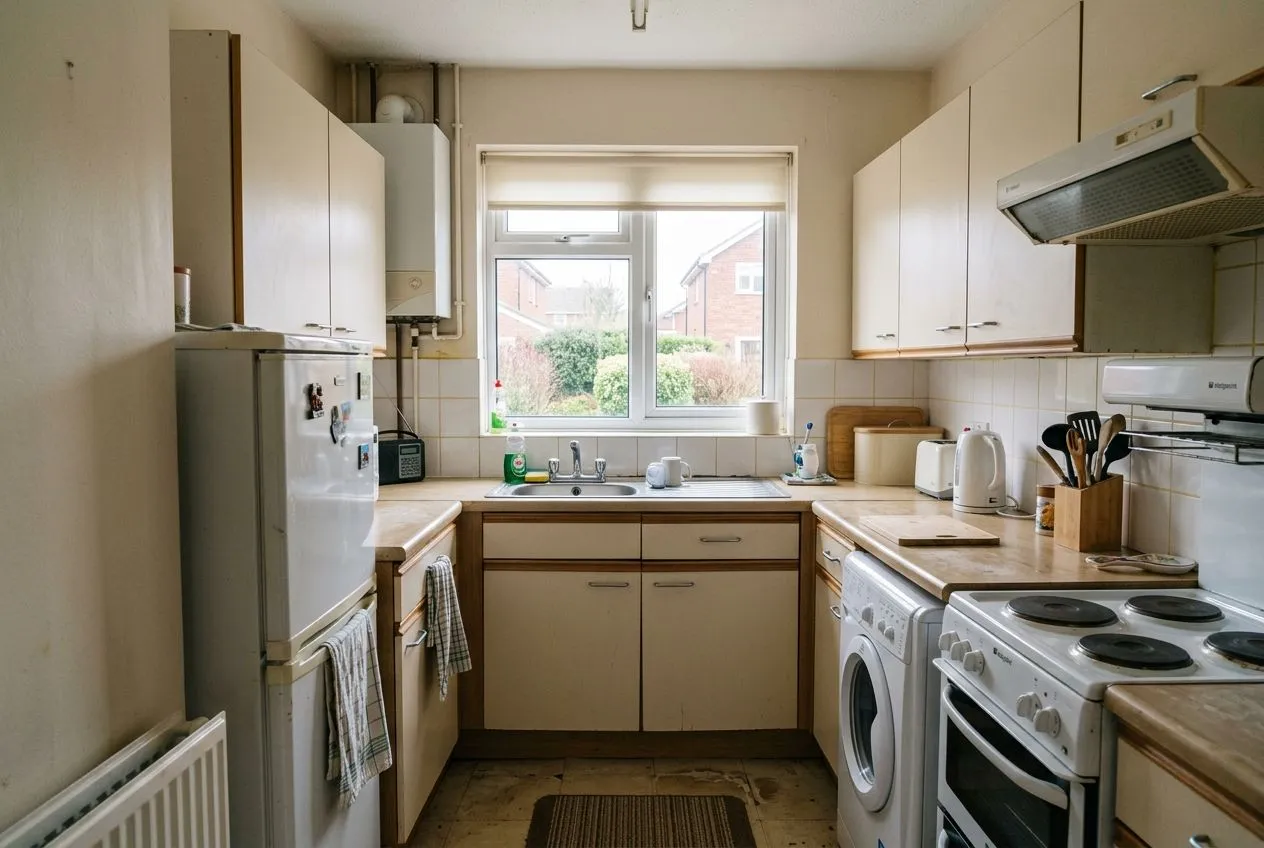
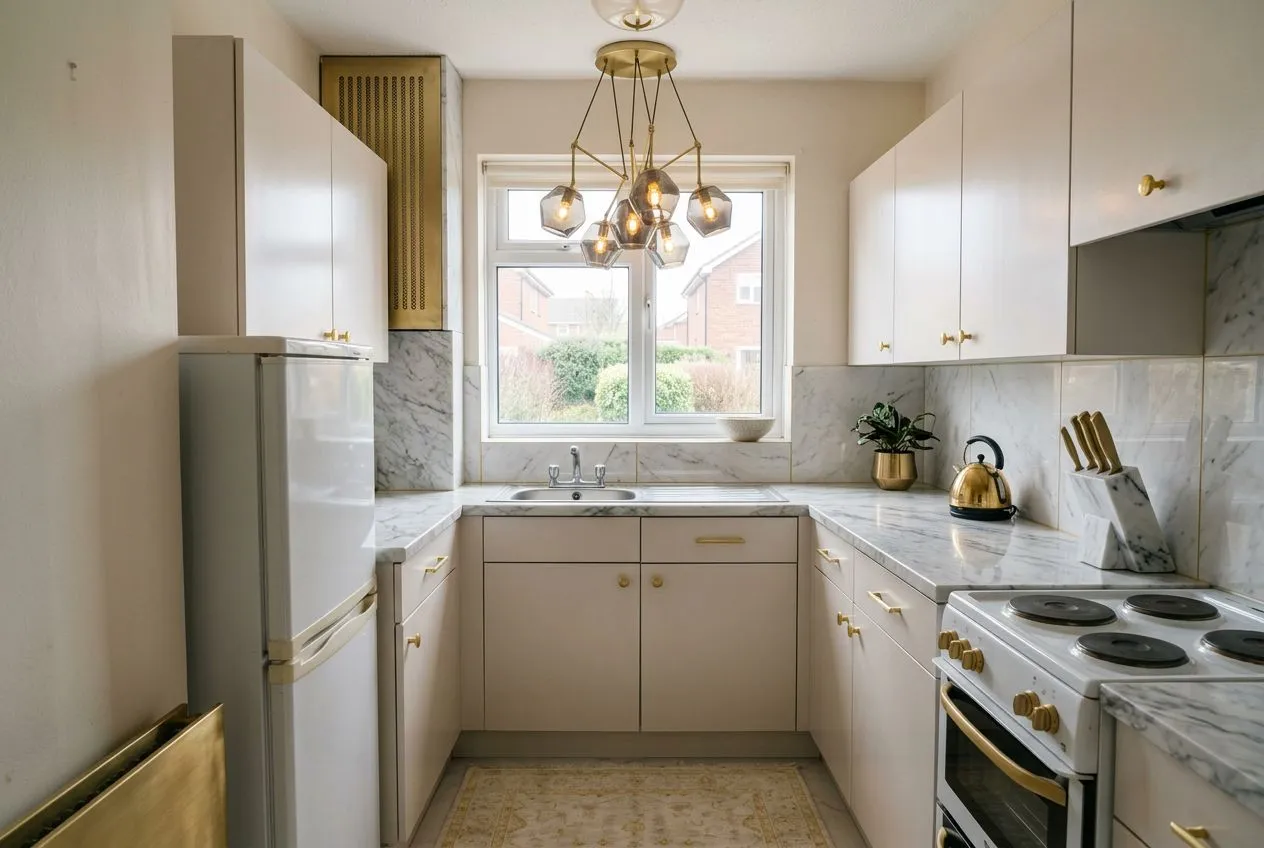
See your kitchen restyled as an opulent luxury space. Upload one photo and get a photoreal Luxury kitchen preview in about 30 seconds — no designer, no guesswork.
Drag the slider to compare →
More transformations
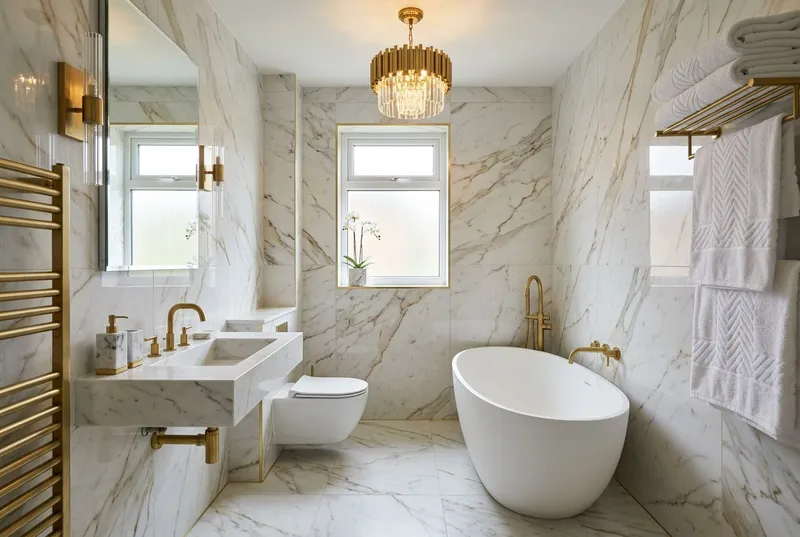
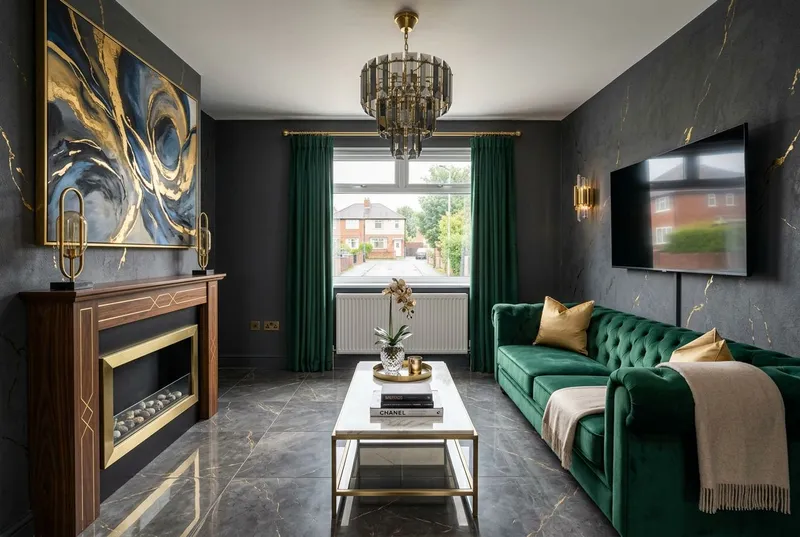
Luxury, in other rooms.
The same Luxury treatment in other rooms — tap any space to see it in detail.
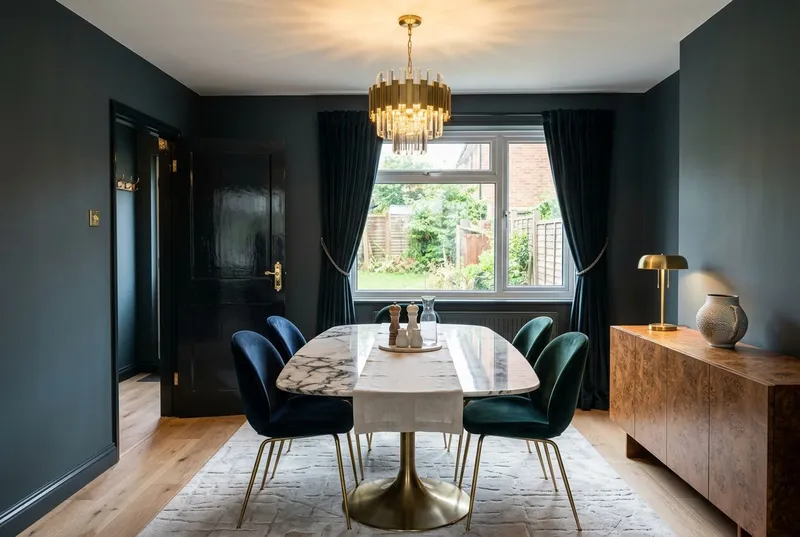
The look
What makes a Luxury kitchen.
Every Luxury restyle leans on the same handful of design moves. Here is what the AI works into your kitchen.
Marble countertops and backsplash
Gold or brass hardware
Large statement island
Dramatic pendant lighting
How it works
Three taps.
Your kitchen, redesigned.
Step 01
Snap your kitchen.
Open the app and take one well-lit photo of the kitchen. No measuring, no panorama — a single shot is enough.
Step 02
Pick Luxury.
Choose Luxury, then tick which features stay — cabinets, countertops, flooring, appliances — so the redesign works around them.
Step 03
See it restyled.
About 30 seconds later your kitchen comes back in Luxury. Drag the before/after slider, then save what you love.
You stay in charge
Keep what works.
Restyle the rest.
The AI does not wipe out your kitchen. Tick the elements you want to preserve and the redesign builds around them.
Keep cabinets
Keep countertops
Keep flooring
Keep appliances
All four are ticked by default. Untick what you want the AI to redesign.
Free to try
Three free kitchen designs.
No card.
See your kitchen restyled three times before you decide. After that, $9.99 a month or $49.99 a year unlocks 30 designs a month — across every room and garden, not just kitchens.
Questions
What kitchen owners ask.
- How does AI Luxury kitchen design work?
- Snap a photo of your kitchen in the Taro Tailor app and choose the Luxury style. The AI reads your space's layout, surfaces and proportions, then returns a photoreal Luxury redesign in about 30 seconds — the structure stays yours, the look changes.
- Is the AI kitchen designer free?
- Your first three designs are free, no card required. After that, $9.99 a month or $49.99 a year unlocks 30 designs a month across every room and garden type — not just Luxury kitchens.
- Will it keep my existing cabinets?
- It can. There are 4 keep-or-replace toggles for a kitchen — cabinets, countertops, flooring, appliances. Tick what you want to preserve and the AI restyles around it.
- How many Luxury variations can I try?
- As many as your plan allows. Re-run the Luxury style with different keep/replace choices to compare directions for your kitchen before settling on one.
- Is the Luxury preview a renovation plan?
- No. Taro Tailor is a visualisation tool — the Luxury kitchen preview is inspiration, not a construction blueprint. Always consult an interior designer or contractor before starting work.
Keep exploring
More ways to restyle your kitchen.
Not sure Luxury is the one? Every interior style works on your kitchen — compare a few.
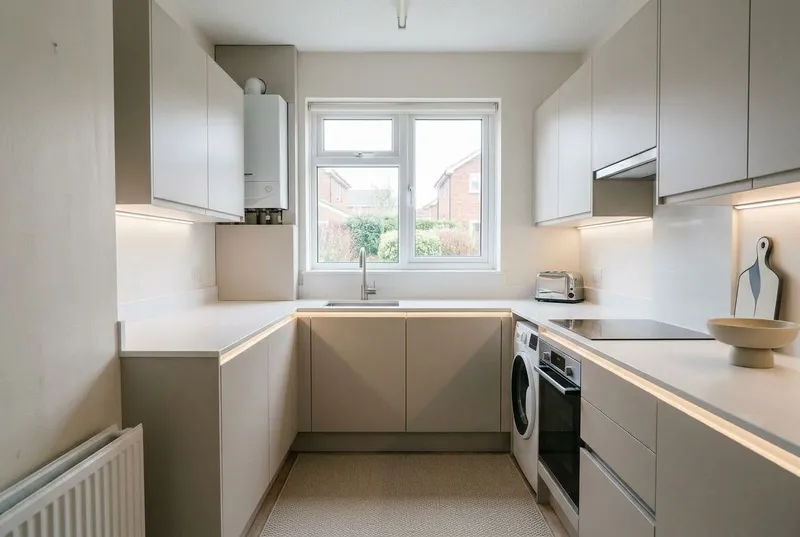
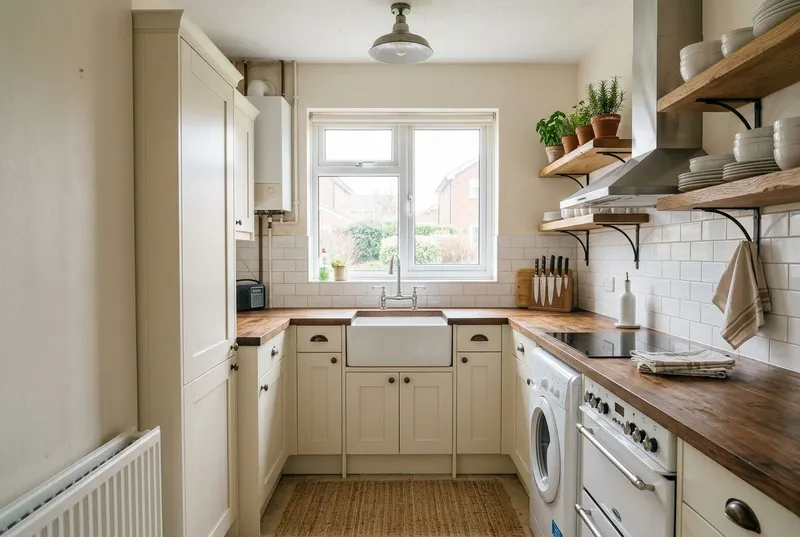
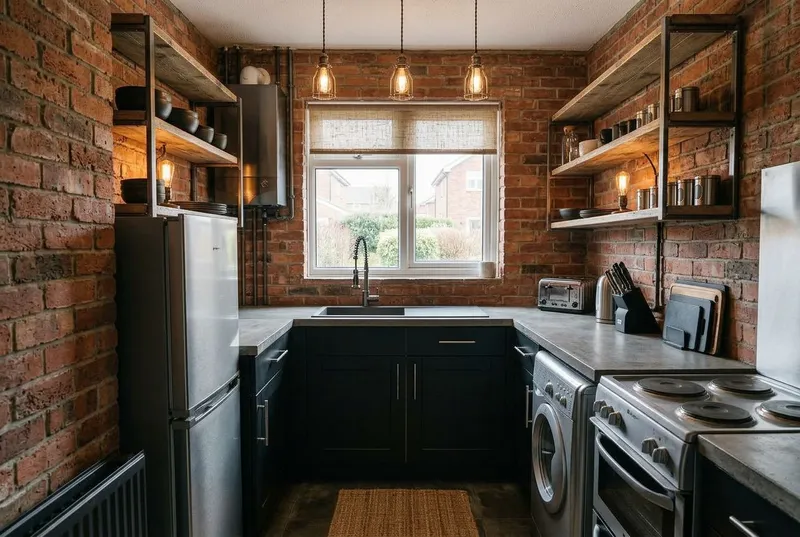
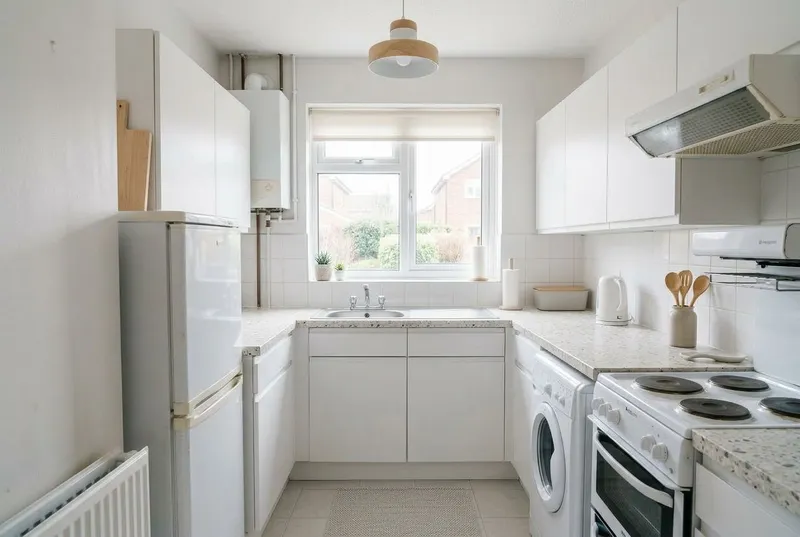
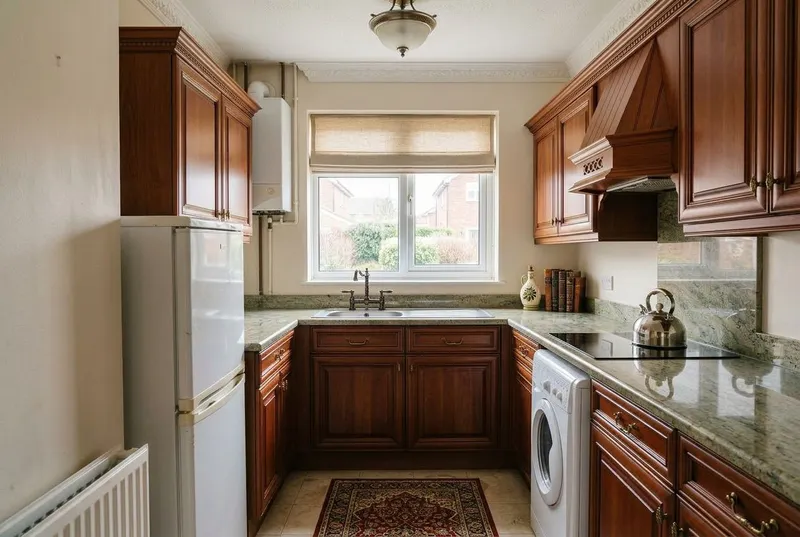
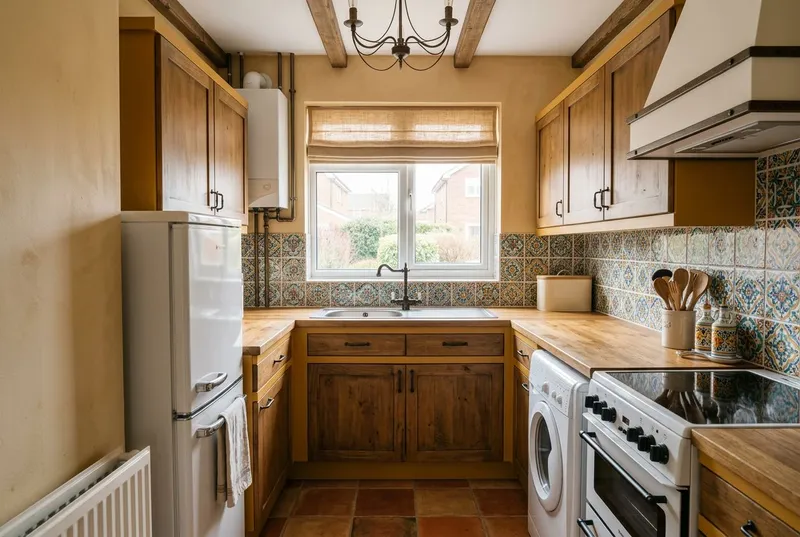
New to this look? Read what defines the Luxury style.
Try Luxury on your kitchen.
Keep what works.
3 free kitchen designs · No card · iPhone · iOS 16+